
# Home
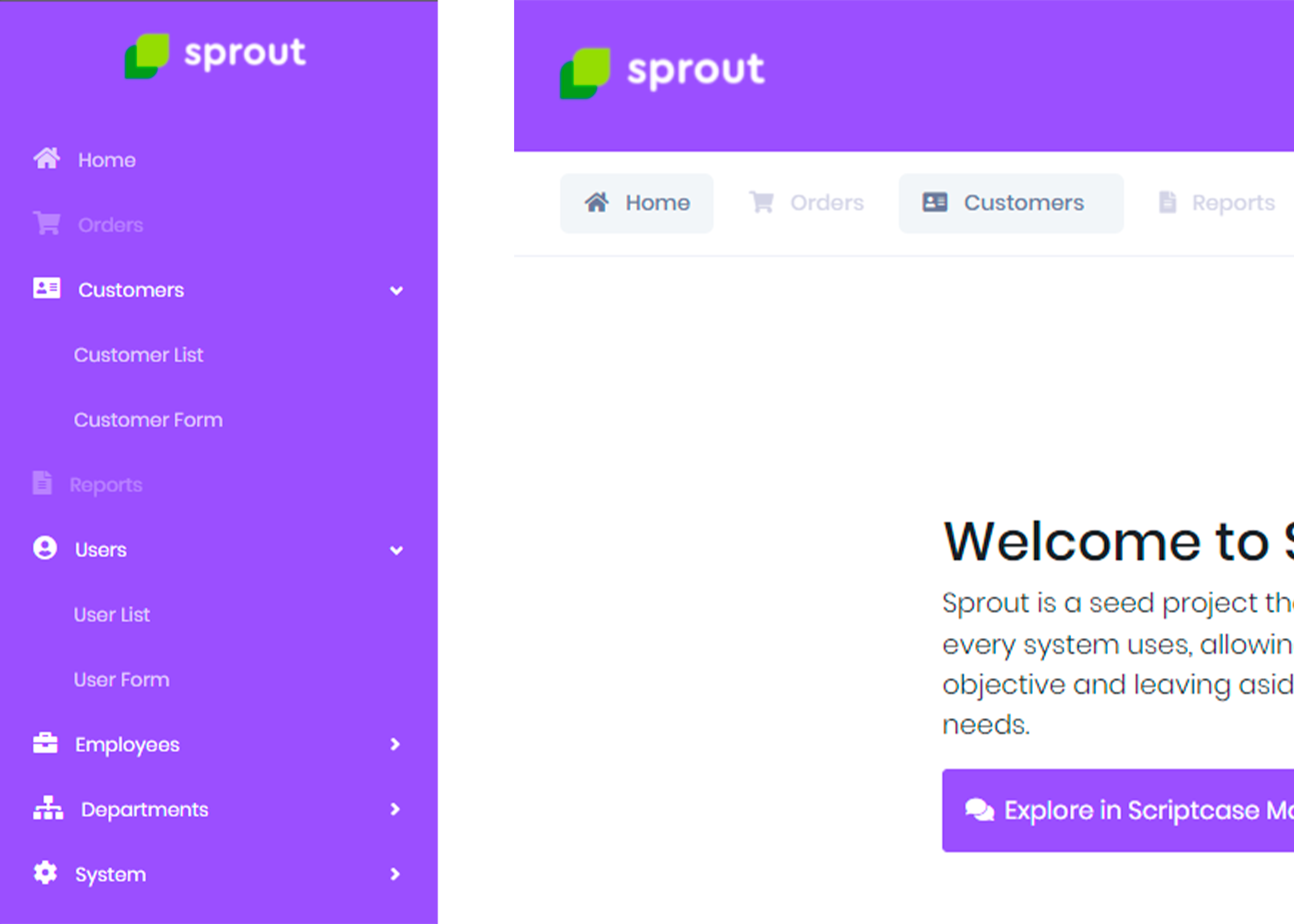
The Home item is the first menu item and aims to load the first page that will be displayed, after accessing Sprout.
To display the home menu and set the home page, follow the steps below:
- Access system settings.
- Choose the Interface tab and check Yes in the option Show Home in Menu.
- Still on the Interfacetab, select in Home Page the page that will be displayed after accessing the system.
← Sample Items Users →